


Eventcut for
  • Live events
  • Corporate events
  • Conference organizers
  • Associations
  • AV and production companies

Turn your live event into publishable content while it's still happening.

Eventcut is real-time video editing for live events. It connects to your live stream, then edits, captions, brands and delivers session videos and social clips during the event.

  • PublishBe part of the conversation while it's happeningShare session videos and clips while people are still talking about your event.
  • ShareGive your speakers content they actually want to shareEach speaker gets a polished clip of their session while the event is still fresh.
  • SellGive sponsors more than a logo on a screenSponsors receive branded videos they can share — real proof of their value.

Free for 14 days · 1 stream key · 6 hours of streaming or uploading

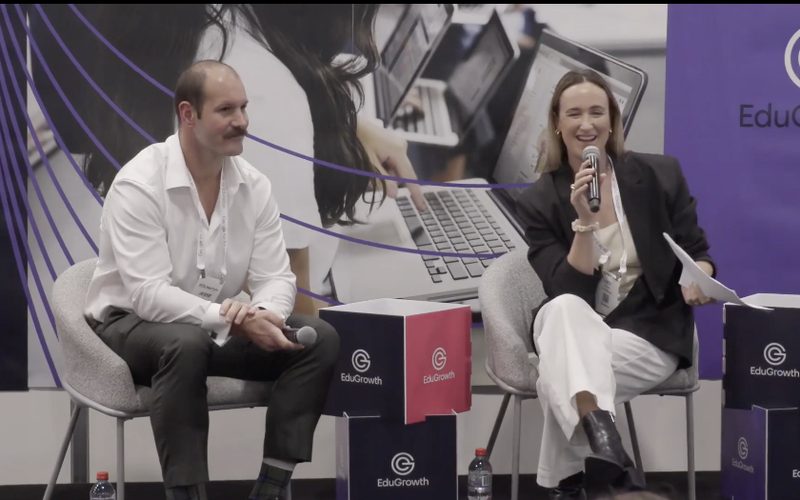
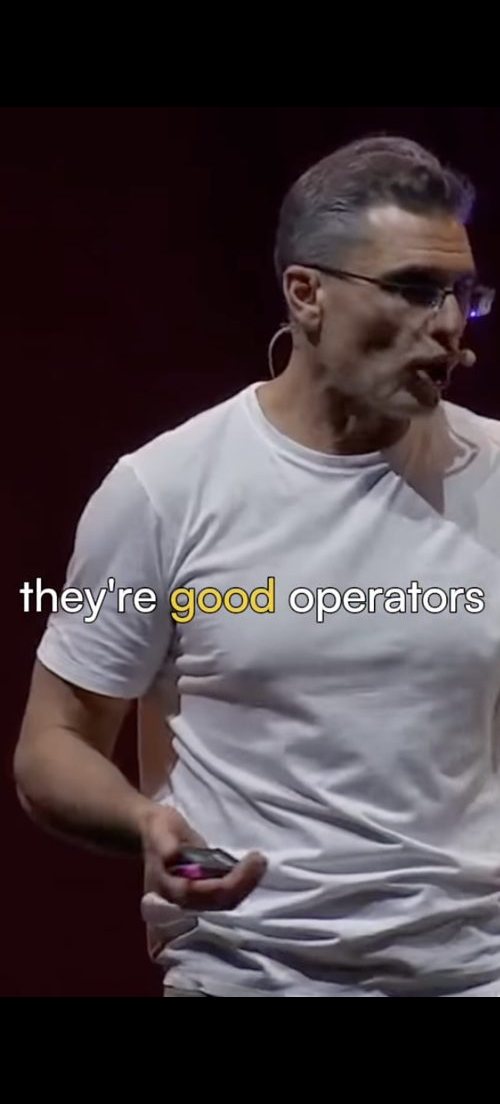
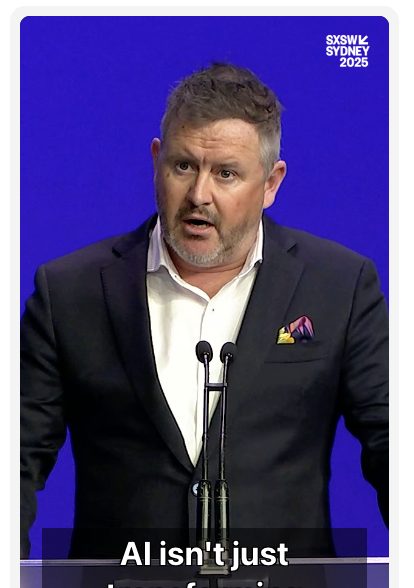
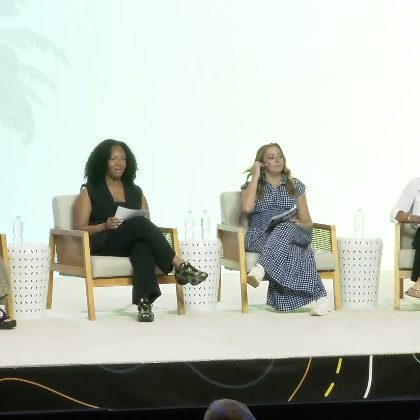
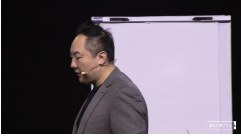
A live panel at SXSW Sydney. Eventcut writes the transcript and crops a vertical clip around the speaker.
50+events delivered
10 minfrom session end to published clip
Trusted at events of every size
  • SXSW Sydney
  • Informa Connect
  • Startup Grind
  • SaaStock
  • The AI Summitat Stanford
  • Fortuna One
  • BIGSOUND
  • eResearch Australasia2026 Conference
The post-production bottleneck

Traditional post-production vs Eventcut

Traditionally, hours of event footage go into post-production after the venue has emptied. Eventcut moves video production from after the event to during the event.

Traditional post-production
Session recordings
Days of editing
Social clips
Scrubbing through footage by hand
Quotable moments
Watching everything back
Branding
Applied per file, per editor
Vertical and square
Each format re-edited
File transfer
Upload, download, repeat
Several rooms
One editor per room
Eventcut
Session recordings
Minutes after the session ends
Social clips
Suggested by AI from topics, applause and speaker changes
Quotable moments
One-click Quote Detection
Branding
One-click Brand Kit
Vertical and square
Automatic 9:16 and 1:1 reframing
File transfer
Cloud-to-cloud, no downloads
Several rooms
Every room monitored at once
How it works

Three steps. Nothing new to install.

  1. 01

    Your AV team adds one stream key

    Each room's encoder streams to Eventcut. Your cameras, crew and show design stay the same.

  2. 02

    Eventcut edits while the room runs

    AI finds each session, trims the dead air, names it from your runsheet, then brands and reframes it.

  3. 03

    You share in one click

    Send videos to speakers, sponsors, YouTube or your cloud storage — during the event.

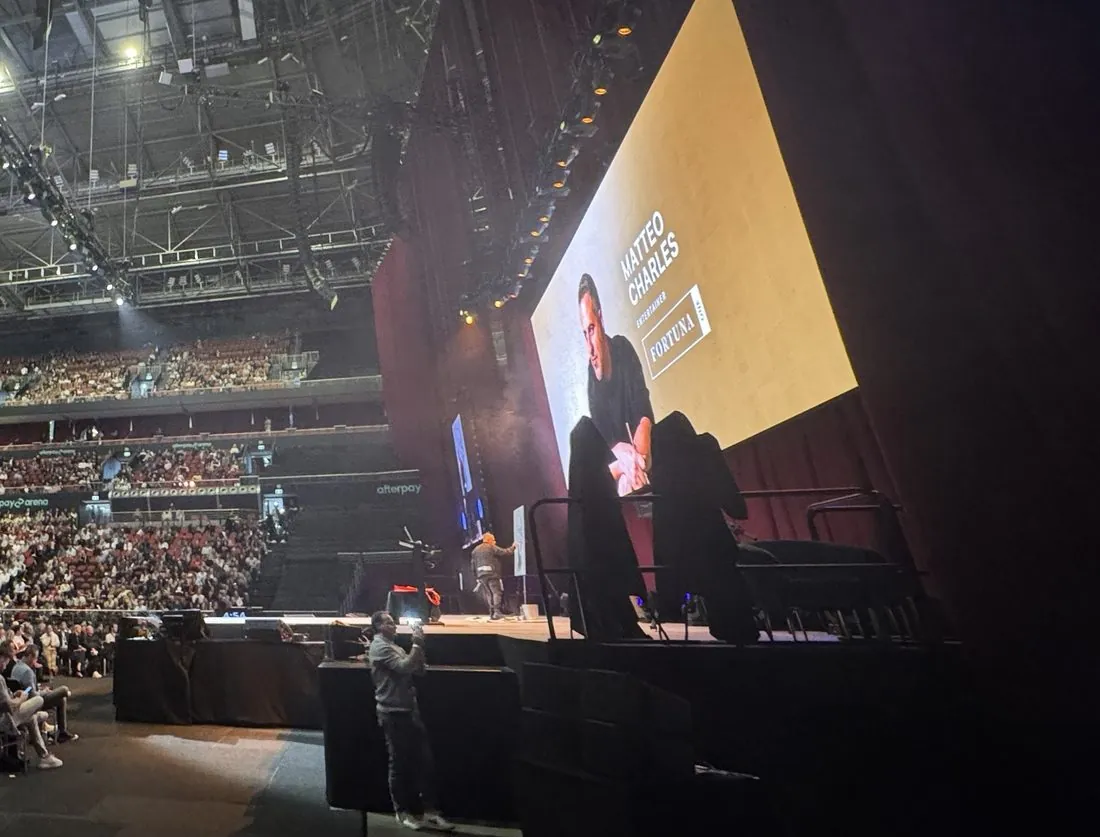
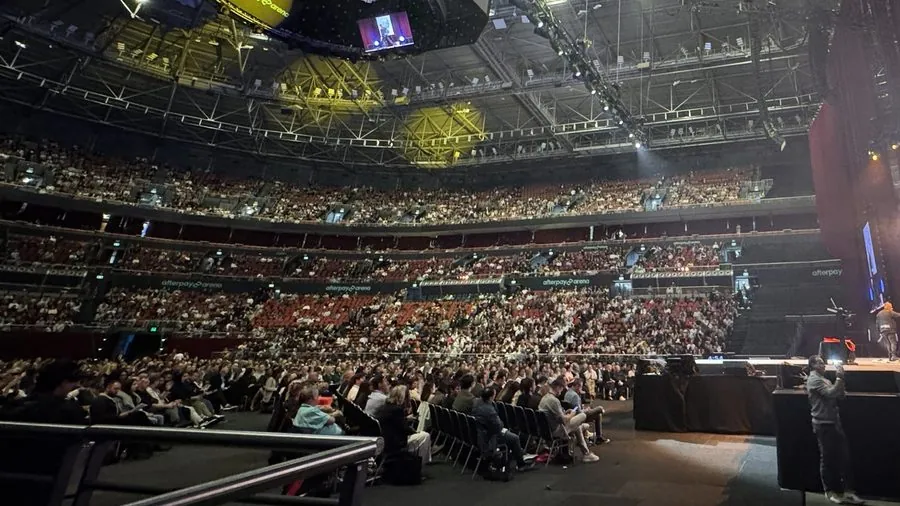
A camera operator filming the main stage at an arena summit
Stage camera
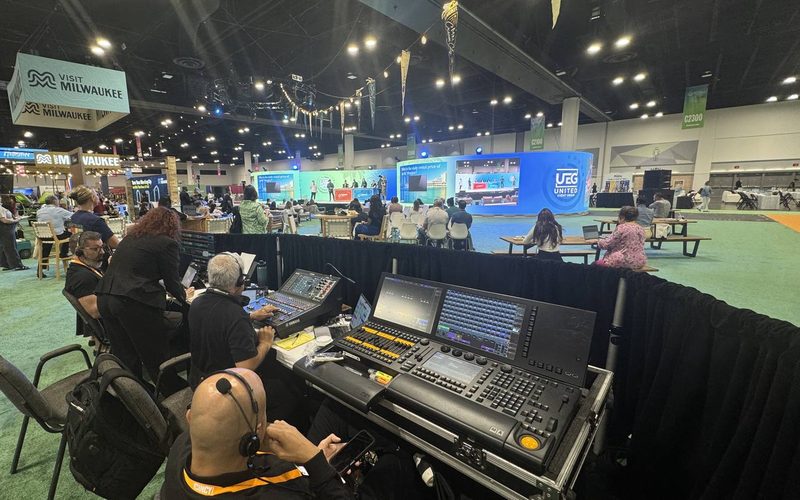
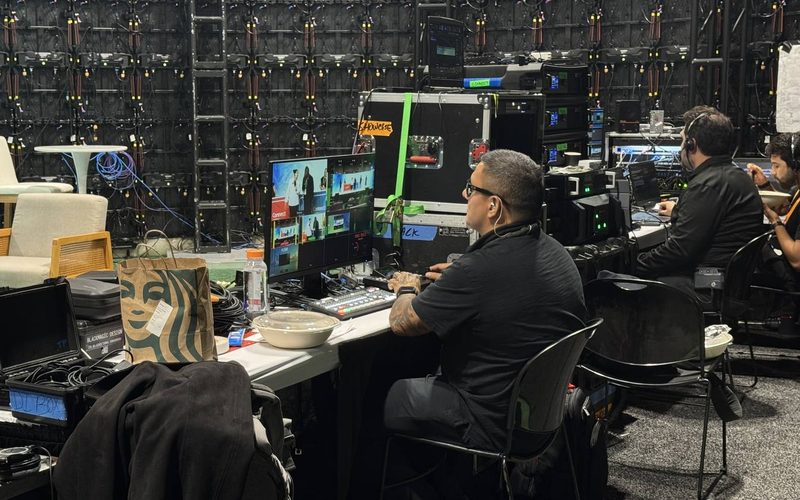
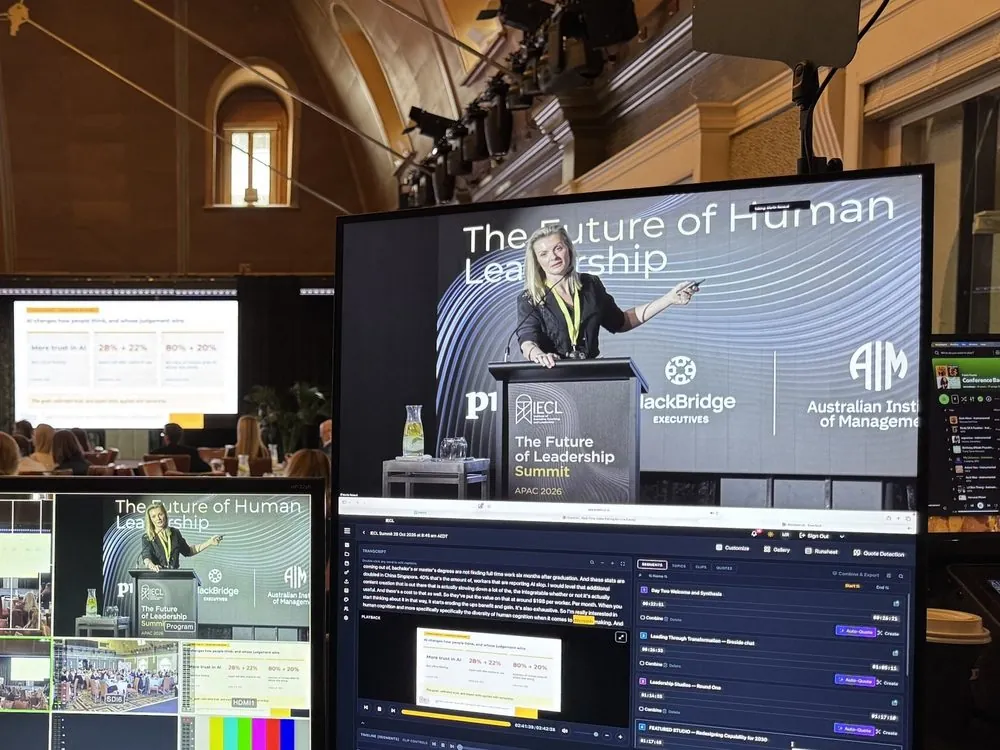
Eventcut editing the live session on a monitor at the AV desk, beside the multiviewer
Eventcut at the AV desk
ReadyA finished vertical clip with burned-in captions
Vertical clip

What you get from each event

Eventcut works as an AI video repurposing tool: one live stream becomes all of these.

  • Full session videos
  • AI-suggested highlight clips
  • Vertical shorts
  • Quotable moments
  • Transcripts and captions
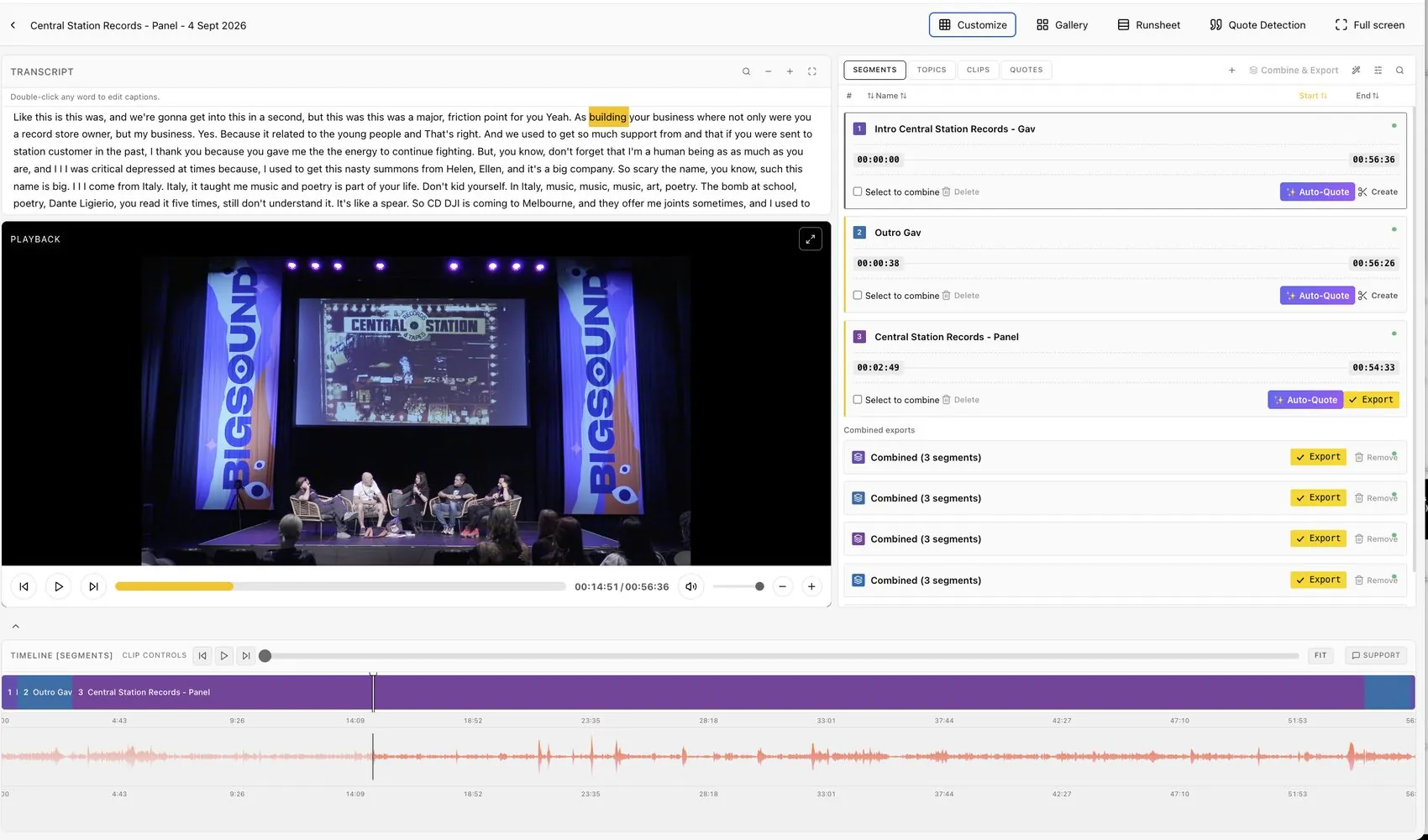
The Eventcut editor for a panel at BIGSOUND: transcript, playback, segments and combined exports
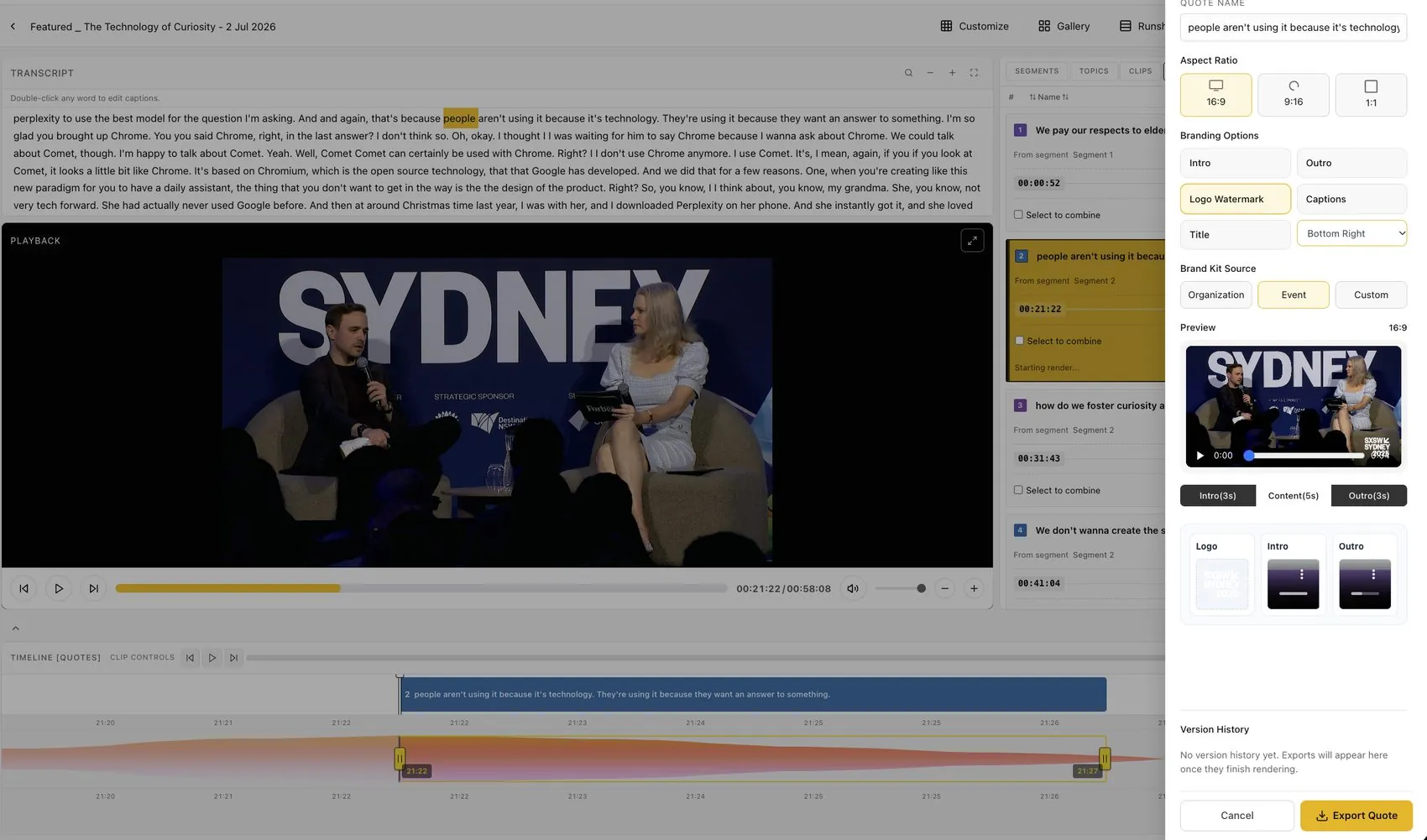
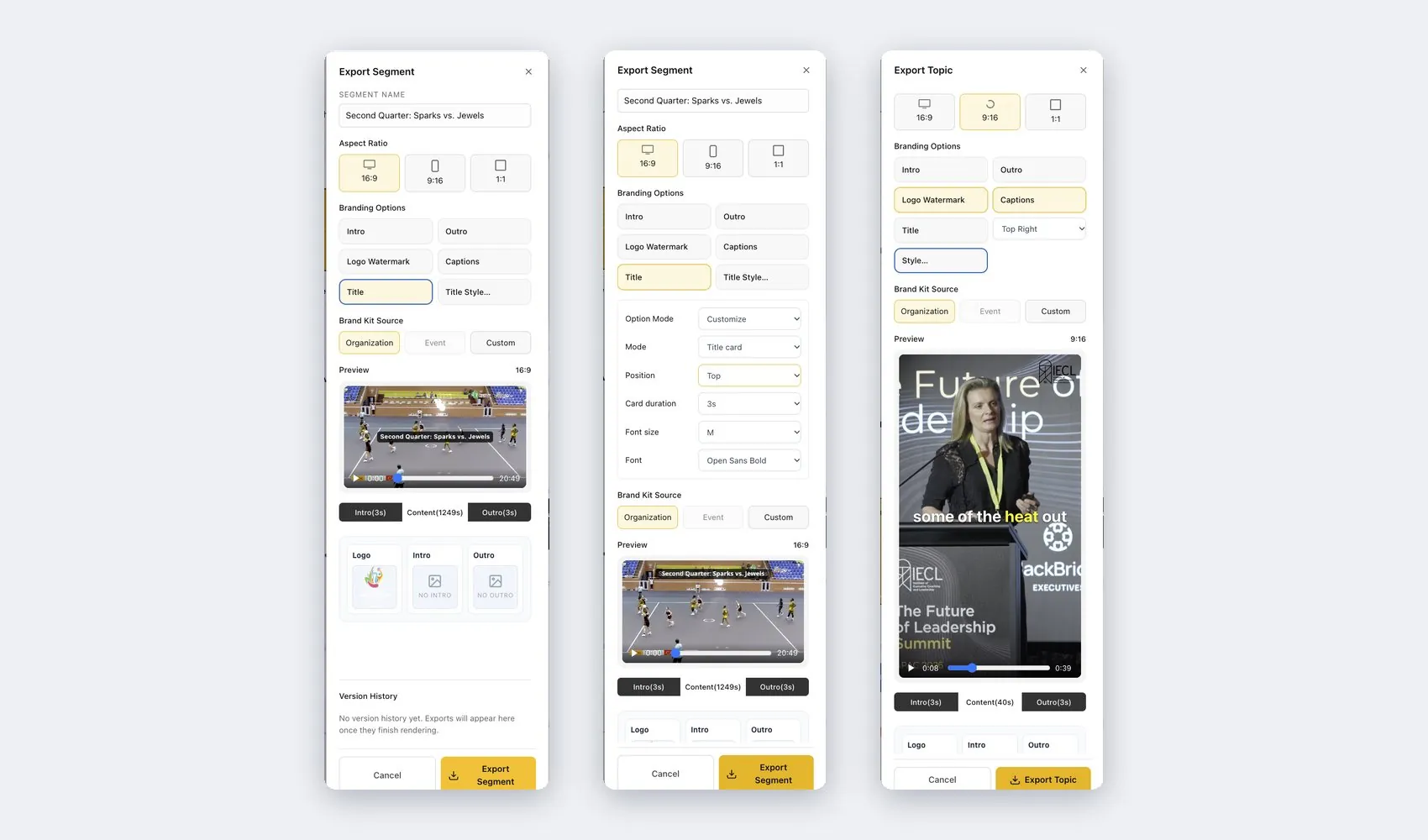
Export settings with branding options: intro, outro, logo watermark, captions, title and brand kit source
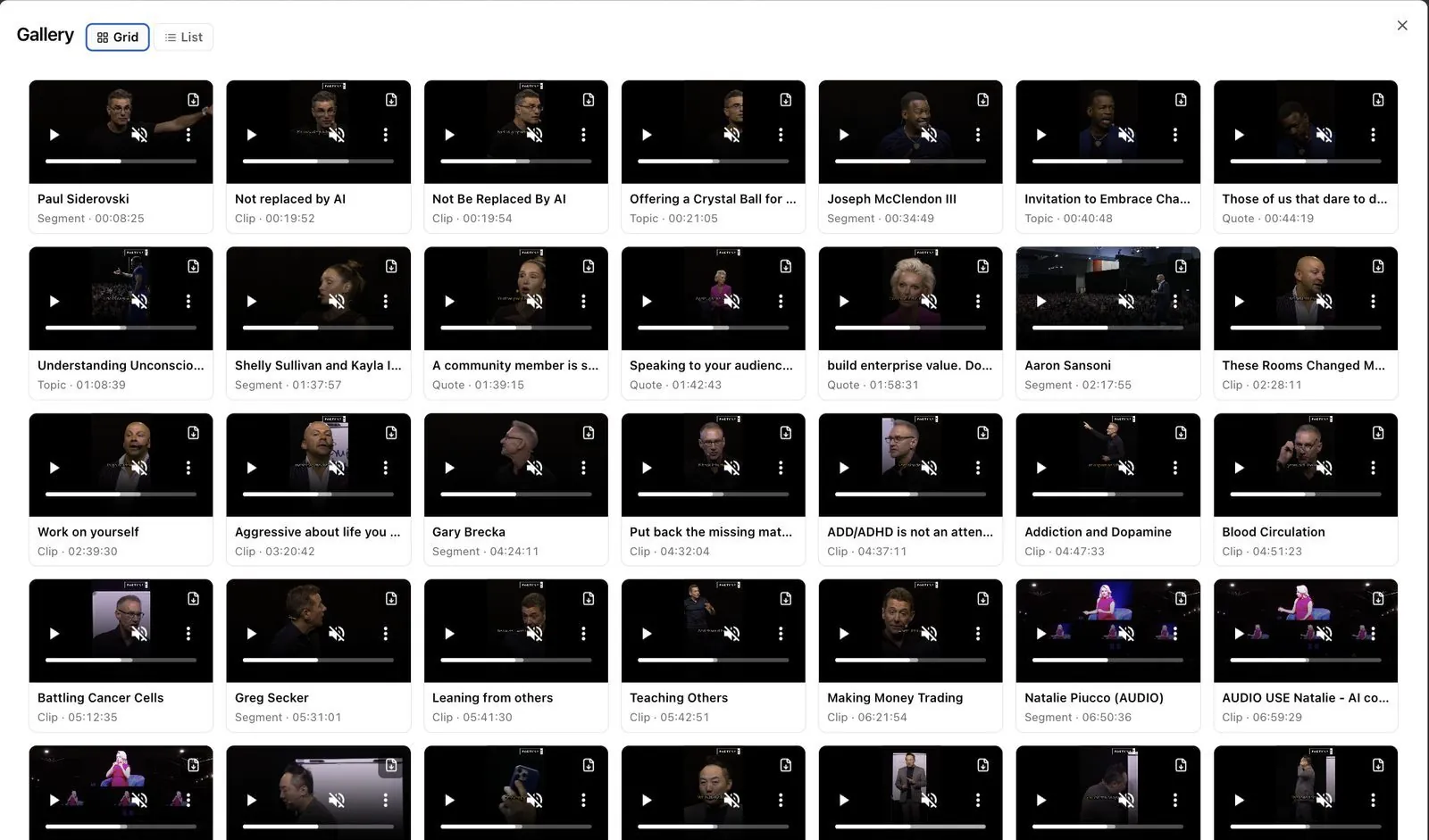
The Gallery with every segment, clip, topic and quote from one day shown as cards
Three export panels: a 16:9 segment, title card settings and a 9:16 topic with captions

Edit: the transcript, playback and timeline for a panel at BIGSOUND, with every segment ready to export.1 / 4

No extra editors. No complicated workflows. No waiting weeks for content.

Compatibility

Works with the AV setup you already have

From a single camera and a laptop running OBS to full broadcast productions, Eventcut works with the encoders you already use, including OBS, vMix, Wirecast, Blackmagic and AJA. The only change is the stream key in your encoder.

  • OBS
  • vMix
  • Wirecast
  • Blackmagic
  • AJA
  • NewTek

RTMPS on every plan, SRT on Enterprise · 1080p H.264, up to 8 Mbps · Upload a recording as a backup

Technical specs for your AV team
Paste the server URL and stream key into OBS, vMix or your hardware encoder. That is the whole setup.
Live stream clipping software for events

Watch a session get cut, named and clipped while the speaker is still talking

Your AI agent runs in the background during a live panel. It writes the transcript, finds each session and suggests clips. Your team checks them and shares.

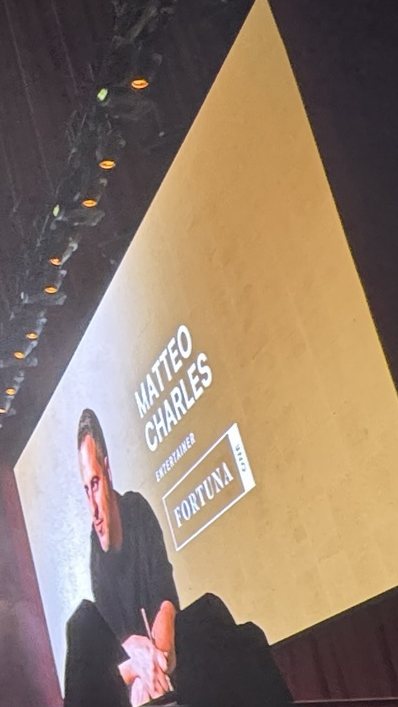
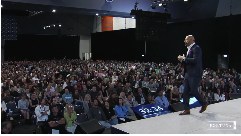
A keynote on the main stage at the Fortuna One Global Summit. Topics are found and closed as the speaker talks.

  1. 1

    Your transcript is written as people speak

    Double-click any word to fix a name or punctuation before you export.

  2. 2

    Your clips are reframed for social automatically

    Clips under six minutes are turned into vertical (9:16) and square (1:1) versions that follow the speaker.

  3. 3

    Your sessions are found and named for you

    AI uses applause and speaker changes to find where each session starts and ends, and names it from your runsheet.

  4. 4

    Fine-tune where each clip starts and ends

    Drag the timeline, click a word in the transcript or type a timecode — all three stay in sync.

What this means for you

Designed for events that move fast

Whether you're running a single-stage conference or a multi-room, multi-day event, everything is managed in one place — without adding production complexity.

Your sessions are edited automatically while they happen

No backlog. No editing queue. Each session is ready within minutes of the talk ending.

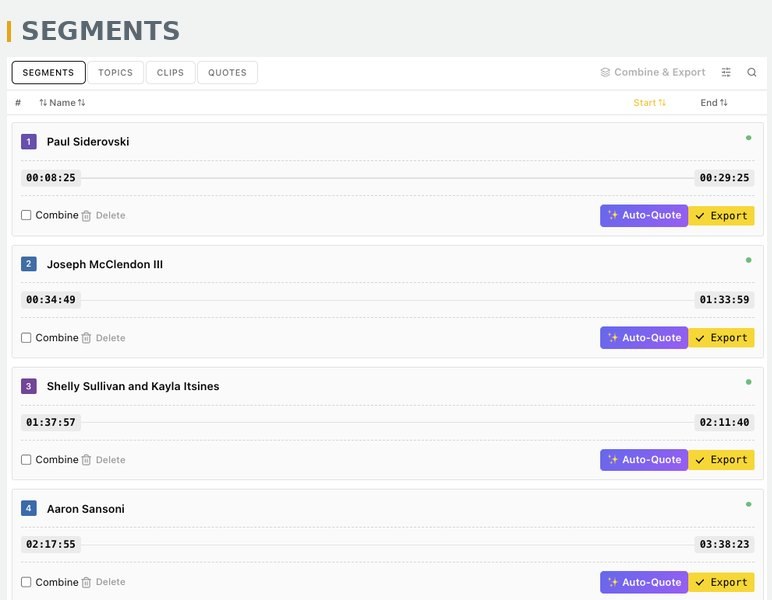
The Segments tab with each session named from the runsheet and ready to export
Each session found, named from the runsheet and ready to export.

Your social clips are already formatted

Portrait, square and landscape — ready for LinkedIn, Instagram and YouTube.

Book a 20-minute walkthrough
Clips from live events, exported as portrait, square and landscape.

Your videos are branded and sponsor-ready

Intros, outros, logos and sponsor overlays are applied automatically, whether you produce 20 clips or 2,000.

Logo watermark top right
Sponsor overlay this clip only
Lower-third title Brand Kit style
A session clip from SaaStock USA. Toggle the event logo, an example sponsor overlay and a lower-third title. The same Brand Kit applies to every export.

Your transcripts are done

Editable transcripts and captions for accessibility, repurposing and search — exported as TXT or VTT.

Book a 20-minute walkthrough
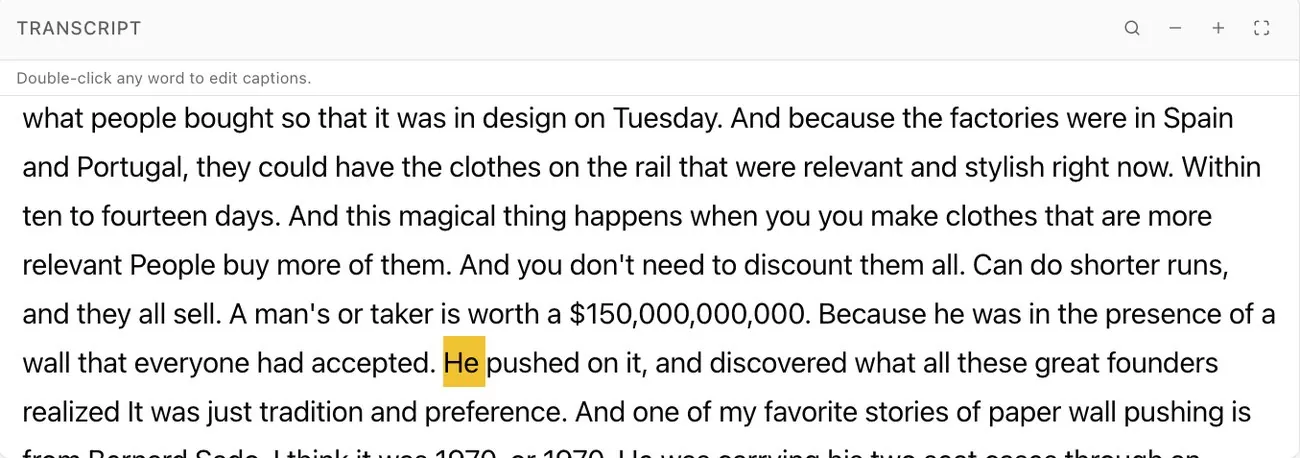
The live transcript panel with the current word highlighted
The transcript as it is written. Export it as TXT, or as VTT captions.

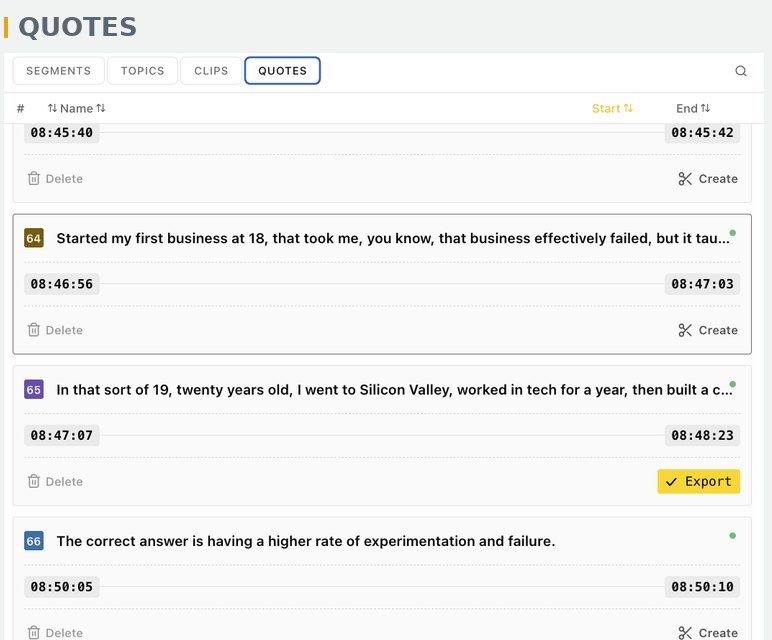
Find the strongest quotes without watching hours of footage

One click scans a full day and ranks the most quotable lines, ready to export with your branding.

The Quotes tab listing the most quotable lines from a full day with export buttons
Quote Detection ranks the strongest lines from a full day of recording.

Your files go where they need to go

No downloading, uploading or file wrangling. Videos go straight to your cloud, your speakers and your sponsors.

Book a 20-minute walkthrough
Fireside chat · Stage 2Rendered
  • YouTubeDraft, unlistedQueued
  • Google Drive/Summit 2026/Day 1/Stage 2Queued
  • SpeakerBranded session videoQueued
  • SponsorClip with sponsor overlayQueued
  • View-only linkFor your social teamQueued
One session, five destinations, no downloads.

Anyone on your team can use it

Select the words you want in the live transcript and the clip is cut at those points — no editing experience required.

Live transcriptRecording
Select the words you want. The clip is cut at those exact points.
Multi-room event video production

One platform. Every stage. Every stream.

Multi-room event video production usually means one editor per room. With Eventcut, each room or stage gets its own stream key, and you monitor every room from one dashboard.

Run multiple streams. Scale across venues. Give teams secure access. Deliver content faster — without increasing workload.

Calculate your event

4
3
12room-days
72hours of sessions edited during the event
About 2 hof checking for your team

Assumes six hours of sessions per room per day and a runsheet for every room. Checking a six-hour day typically takes about 10 minutes. This is an illustration, not a customer result.

Four rooms monitored from one screen.
Pricing

Choose the plan that fits your events

Both plans include every editing tool. Start with a 14-day free trial of Pro, then move to Enterprise when you run more rooms or work for clients.

Single stage · Self-serve

Eventcut Pro

For a single producer or a small in-house event team.

US$79.95per month

10 hours of streaming or uploading per month. Clips and session videos are unlimited.

  • Sessions, topics, clips and quotes
  • One-click Brand Kit
  • 9:16 and 1:1 reframing
  • Styled captions and title cards
  • YouTube, Google Drive, Wowza and JW Player
  • Upload pre-recorded footage
Multi-room · Multi-client

Eventcut Enterprise

For conference organizers, associations, corporate event teams and AV partners.

Talk to Sales

Seat-based, billed monthly on the length of your live events. Two Admin or Manager seats included.

  • Everything in Pro
  • SRT ingest alongside RTMPS
  • Roles for your team, speakers and clients
  • Per-event brand kits and white label
  • One-click delivery to speakers
  • Audit logs and GDPR tooling
  • Dedicated account manager

Compare plans

FAQ

Questions event teams ask

Setup, turnaround, multi-room events, speakers and sponsors, pricing and white label.

Read the full FAQ
What equipment do I need, and does Eventcut work with OBS or vMix?

You only need a camera, a laptop running streaming software such as OBS, and an internet connection. Eventcut also works with the encoders many AV teams already use, including vMix, Wirecast, Blackmagic and AJA. Streams come in over RTMPS, or SRT on Enterprise, and all the editing happens in the cloud through a web browser.

How quickly can we get edited session videos after a talk?

Session videos are ready within minutes of each talk ending. Eventcut trims the dead air between talks, adds your branding and has captions ready as soon as the session ends, so there is no editing queue at the end of the day. Videos and suggested clips can go to speakers, sponsors or your video platforms during the event.

Does Eventcut replace our editors?

Keep your editors for the sizzle reel and the creative work where judgment matters. Eventcut takes over the repetitive work: trimming sessions, captions, reframing to vertical and square, branding and moving files.

Can Eventcut handle a multi-room conference without hiring more editors?

Yes. Eventcut is built for multi-room, multi-day events. Each room or stage gets its own stream key, every room is monitored from one dashboard, and sessions are processed in parallel. Your team checks the session boundaries and sends the videos. Multi-room events run on the Enterprise plan, quoted on your rooms and hours.

Can we send speakers and sponsors their own branded videos on the day?

Yes. Your Brand Kit adds intros, outros, logos and overlays to every video, and sponsor overlays can go on individual clips. Add speaker emails to your runsheet and each session goes to its presenter in one click, or share it through a view-only link.

How much does Eventcut cost, and is there a free trial?

Eventcut Pro costs US$79.95 per month and includes 10 hours of streaming or uploading, with unlimited clips and session videos. You can try Pro free for 14 days with one stream key and 6 hours of streaming or uploading. Enterprise is priced on seats and live event hours; talk to Sales for a quote.

Can Eventcut edit pre-recorded footage?

Yes. Upload a recording and it goes through the same near-real-time process as a live stream, with transcripts and sessions appearing within minutes. Uploads can run alongside live streams, and you can use them as a backup if a stream fails.

Can AV and production companies white-label Eventcut for their clients?

Yes. Eventcut Enterprise includes white label and per-event brand kits, so production companies can deliver branded videos under their own name. Clients see only their own Event, and roles cover admins, managers, editors, viewers and speakers.

How is Eventcut different from a general AI video clipping tool?

Eventcut is made for live conferences rather than single pre-recorded videos. It works from your event's live stream, uses your runsheet to name every session, and delivers full session videos, social clips, quotes and captions across every room during the event.

What is Eventcut?

Eventcut by Edit on the Spot is cloud software that edits live event video in real time. It connects to your event's live stream, then edits, captions, brands and delivers session videos and social clips while the event is still running.

Stop editing after the event. Start delivering during it.

Book a 20-minute walkthrough on Zoom to see how real-time video editing would work at your next event. We tailor it to your event calendar and delivery setup.

  • Sessions delivered same day
  • Sponsors receive instant branded content
  • Speakers leave with share-ready clips
  • Your team saves time and production costs
  • Your event content works harder for you

Same footage. Same crew. Same day.

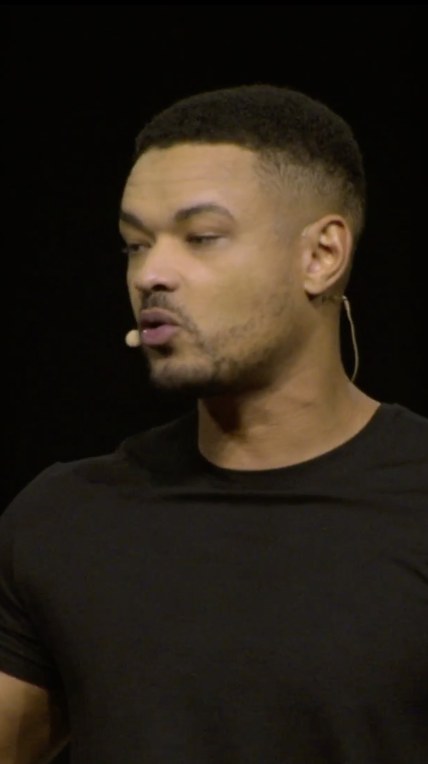
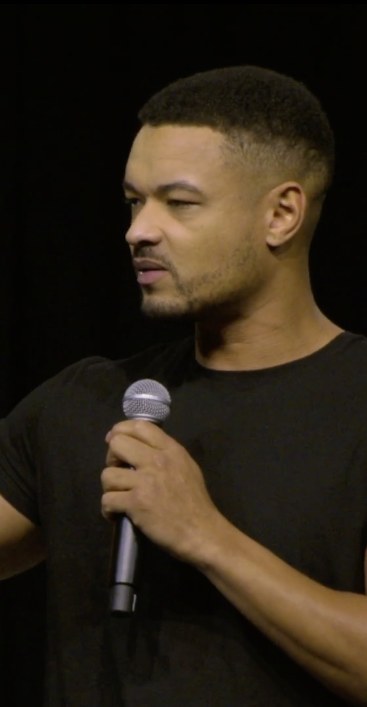
DeliveredEVENTA delivered vertical clip with a quote in the captionsThe correct answer is having a higher rate of experimentation and failure.
A quote from the main stage, delivered as a vertical clip.
Book a 20-minute walkthrough